Copilot Studio & Custom AI Agents
Transform the way your business works with custom AI agents built using Microsoft Copilot Studio and connected business applications. Create conversational experiences, automate defined workflows and connect approved knowledge sources with authorised tools—all within a framework designed around security, accountability and business objectives.
The Business Challenge
When AI Cannot Connect to Real Work, Its Value Remains Limited
Many businesses introduce chatbots and automation tools but struggle to connect them with the applications, data and workflows employees use every day. Common challenges include:
- AI assistants that answer questions but cannot support the next operational step.
- Rule-based automation that struggles with changing business context.
- Disconnected knowledge sources and inconsistent information.
- Unclear ownership, permissions and escalation procedures.
- Limited visibility into agent performance, adoption and business value.
The solution is not to automate everything. It is to identify the right tasks, connect the right systems and introduce AI with clearly defined boundaries.
Our Solution
Purpose-Built AI Agents for Your Business Processes
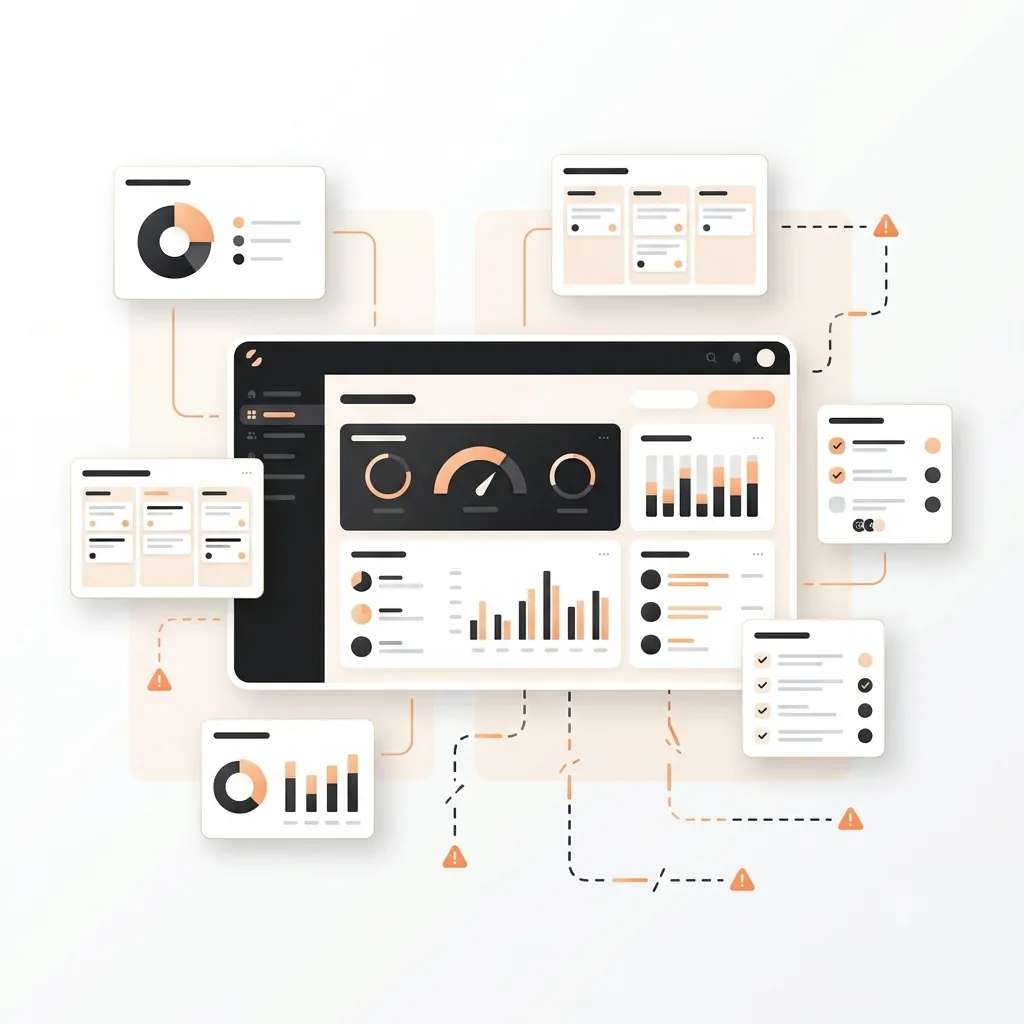
Design custom agents that connect business knowledge, applications and workflows to support practical operational tasks.
Employee Knowledge Agent
Give employees a conversational way to find approved answers from internal policies, procedures, knowledge bases and supported business documents.
Customer Self-Service Agent
Help customers find answers, access supported service information and submit requests through eligible websites and communication channels.
Process Automation Agent
Configure agents to collect information, follow defined instructions, use authorised tools and initiate supported workflow steps.
Business Central Agent
Explore agent experiences that help users retrieve relevant ERP information, check business records and prepare supported transactions or actions.
CRM and Dataverse Agent
Connect agents with authorised leads, opportunities, customer service cases and custom Dataverse records to support connected business processes.
Multi-Agent Orchestration
Evaluate scenarios in which specialised agents coordinate defined tasks across sales, finance, service and operations using supported integration pat
AI Agent Use Cases
Custom Agents Designed Around Real Business Needs
Every agent should have a clear purpose, approved knowledge, appropriately scoped tools, exception paths and defined accountability.

Inside Sales Agent
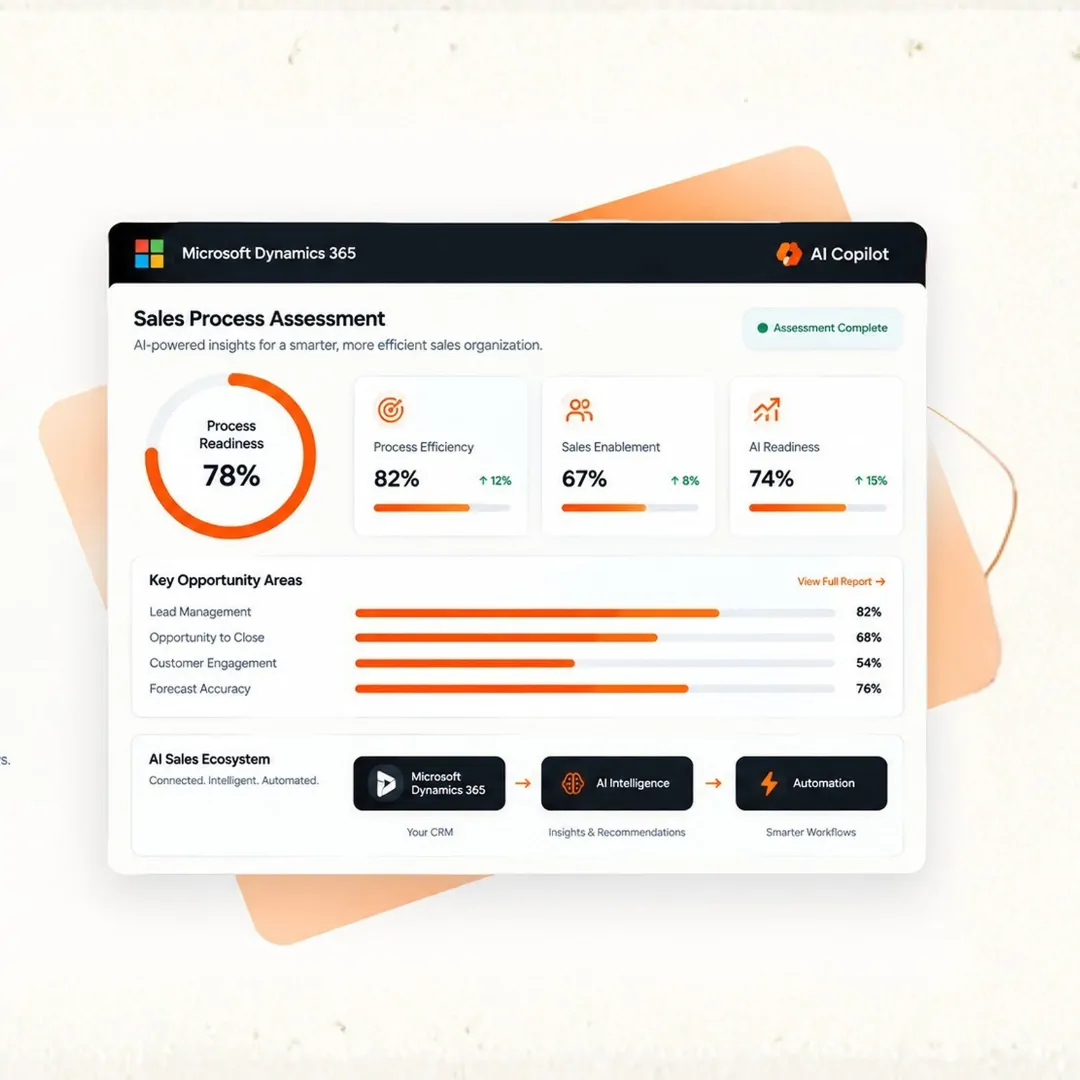
Research leads using approved information, apply configured qualification criteria and prepare outreach drafts or CRM updates for seller review.

Customer Service Agent
Answer approved customer questions, gather relevant service information and create or route support cases through supported integrations.
Order Intake Agent
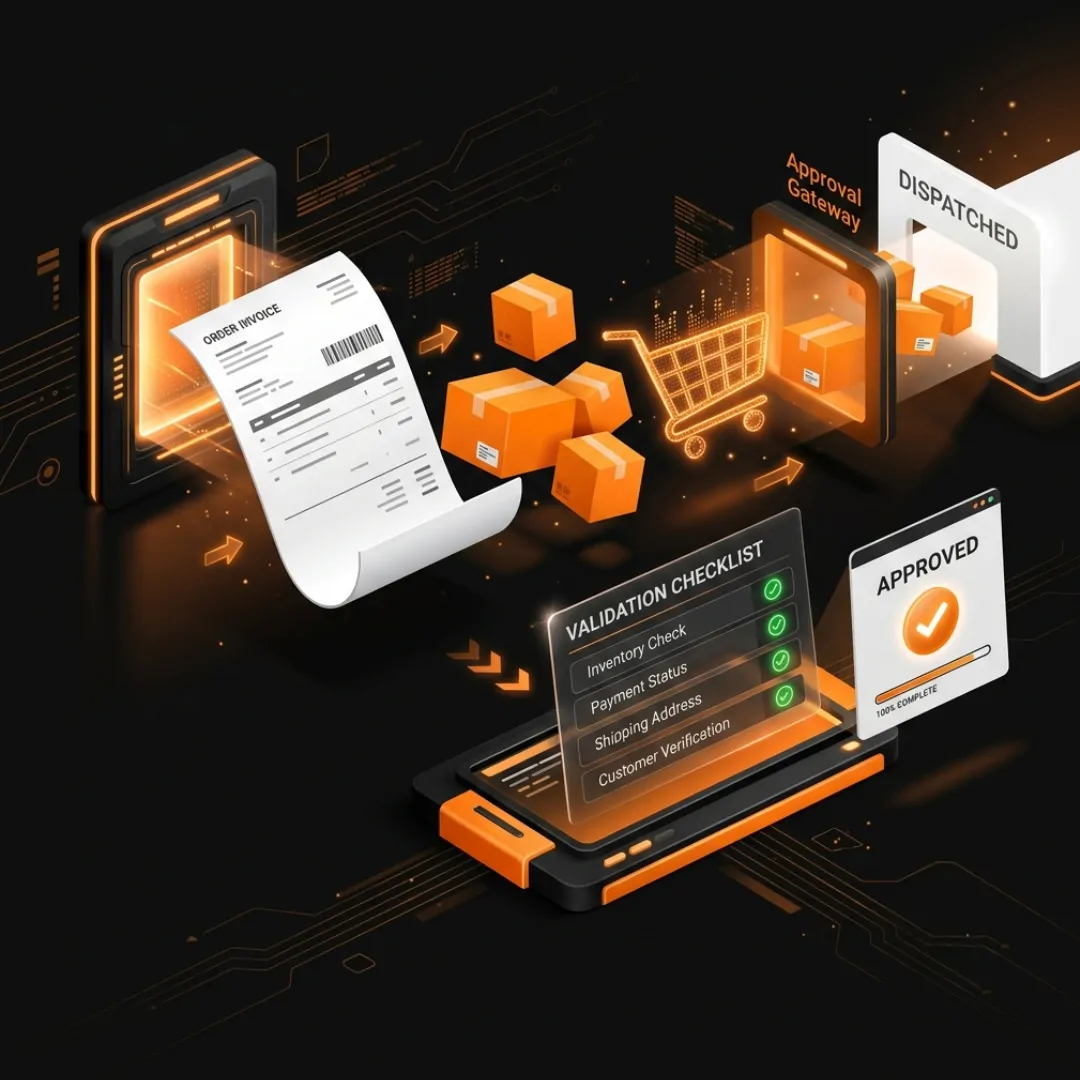
Process incoming order requests by collecting relevant details, checking required customer and product information and preparing transactions for review.

Operations Exception Agent
Respond to configured operational events by identifying affected records, gathering relevant context and presenting recommended follow-up actions.
Start with an AI Agent Workshop
Identify the Right Use Cases Before You Build
A successful AI agent initiative begins with a well-defined business problem. Assess your processes, systems, data and governance requirements before selecting the architecture or level of automation.
What the Workshop Can Cover
Business and Process Assessment : Identify repetitive work, operational bottlenecks and suitable opportunities for AI.
Integration and Data Review : Evaluate relevant applications, knowledge sources, APIs and system dependencies.
Use-Case Prioritisation : Assess potential solutions based on business value, feasibility and operational risk.
Agent Design and Governance : Define the agent’s scope, permissions, tools, escalation paths and human approval requirements.
Implementation Roadmap : Establish practical next steps, testing requirements and success measures.
Frequently Asked Questions
Microsoft Copilot Studio is Microsoft's platform for creating and configuring agents and conversational experiences. It supports suitable knowledge sources, tools, connectors and workflow integrations, depending on the selected capabilities and configuration.
A custom AI agent is an AI-powered solution designed for a specific business purpose. It can use approved information, follow configured instructions and interact with authorised tools to assist with tasks or execute defined workflow steps within its permissions.
Depending on the configuration, an agent can use supported knowledge sources such as websites, documents, enterprise information sources and connected business applications. Available connectors, authentication, access permissions and licensing determine which sources can be used.
Suitable integrations can allow an agent to retrieve information or initiate supported actions in connected business applications. The exact capabilities depend on the APIs, connectors, permissions and workflow configuration. Transaction updates should be tested and governed appropriately.
Depending on the supported configuration, agents can be published to eligible channels such as websites, Microsoft Teams and other supported applications or communication channels. Channel availability and functionality depend on the deployment requirements.
Yes. Supported workflows can incorporate human review, approval actions, escalation paths and handoffs. These controls help ensure that sensitive or high-impact actions receive appropriate oversight
Security and governance can include authentication, access permissions, approved knowledge sources, scoped tools, environment controls, testing, monitoring and escalation procedures. The specific safeguards depend on the solution architecture and business risk.
Licensing and capacity requirements depend on the selected Copilot Studio plan, usage model, connected services, deployment channel and related Microsoft subscriptions. Review the current licensing terms and estimated usage requirements before implementation.