
Copilot for Business Central
Bring business data, everyday workflows and intelligent automation together with Microsoft Dynamics 365 Business Central. Help your teams find information faster, analyse operational data, streamline routine tasks and make better-informed decisions—with appropriate permissions, controls and human oversight.
The Operational Challenge
When Business Processes Are Disconnected, Costs and Risks Increase
Finance, purchasing, inventory, sales and operations depend on accurate, timely information. When teams rely on disconnected systems and manual follow-ups, routine work can become harder to manage and important exceptions can go unnoticed. Common challenges include:
- AI experiments that operate separately from core ERP processes.
- Repetitive data entry and manual transaction reviews.
- Inconsistent information across business applications.
- Automation initiatives without clearly defined permissions or approval processes.
- Limited visibility into the actual impact of AI on operational performance.

Our Solution
AI Assistance Embedded in Your Business Central Workflows
Use Microsoft Dynamics 365 Business Central and supported AI capabilities to help teams find information, understand records and complete everyday tasks more efficiently.
Ask Business Central
Help users find relevant customer, vendor, item and transaction information using natural-language questions and supported search capabilities
Analyse Operational Data
Use supported AI-assisted analysis to organise Business Central list data, identify patterns and explore business information without manually building every analysis layout
Summarise Business Records
Help users understand important details from supported records, including relevant customer, vendor and transaction information.
Accelerate Sales Order Processing
Use supported AI capabilities to assist with sales order preparation, including suggesting relevant items and order lines based on available information.
Support Finance Operations
Assist with supported financial workflows such as bank reconciliation, invoice processing and reviewing transaction exceptions.
Introduce Process Agents
Explore agent-supported workflows for suitable business processes, such as preparing transactions, processing incoming documents and routing exceptions for review.
AI and Agent Scenarios
AI Agents That Understand Business Context and Support Controlled Action
AI agents can help perform defined tasks using approved information, configured instructions and authorised tools. The appropriate level of autonomy depends on the process, business risk and required controls.

ERP Process Briefing Agent
Summarise relevant sales, purchasing, inventory and finance activity to help users identify records that need attention.
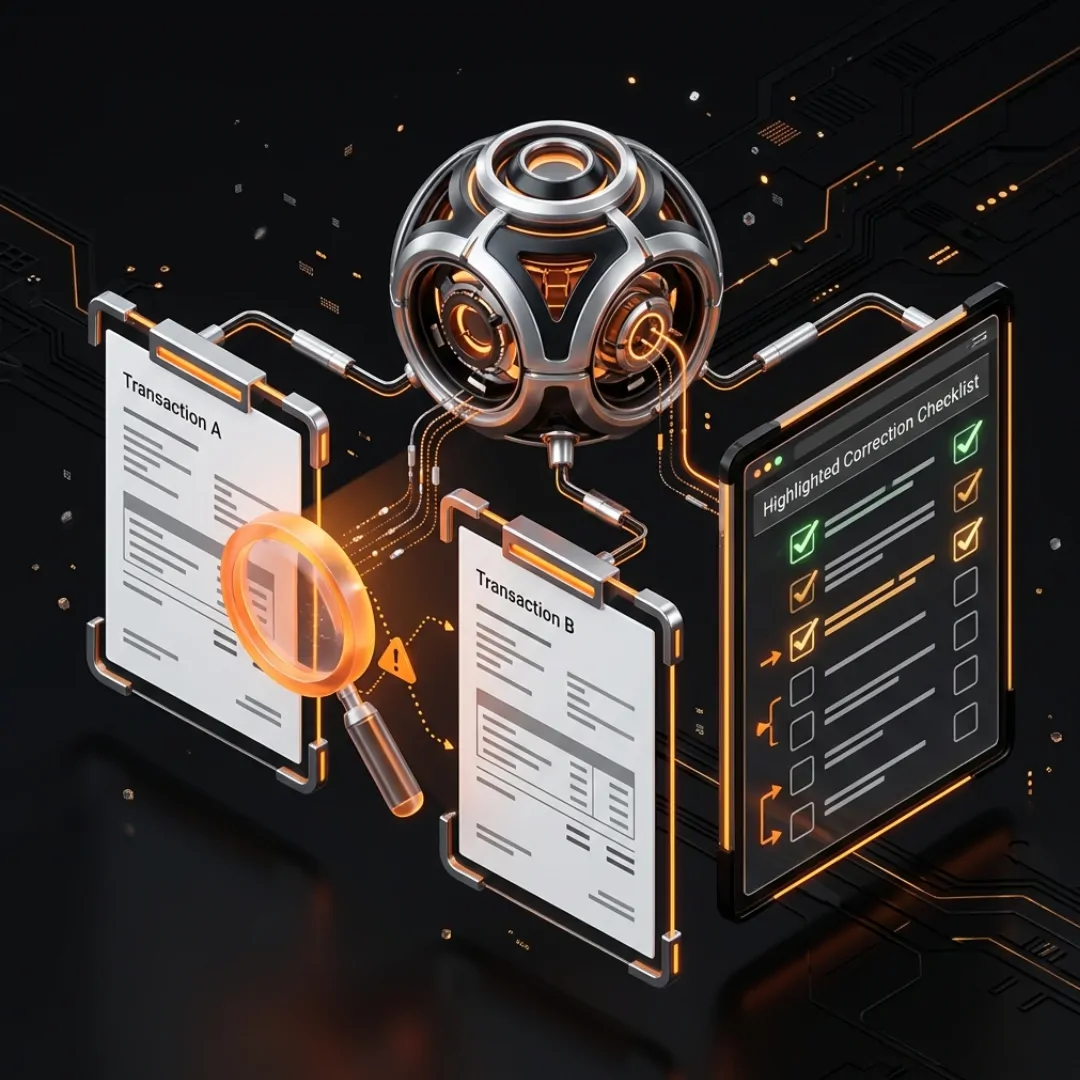
Transaction Exception Agent
Help investigate incomplete or inconsistent transaction information and prepare relevant context for employees to resolve issues.

Business Central Knowledge Assistant
Help users find approved company procedures, ERP guidance and process information relevant to their work.

ERP Follow-Up Agent
Monitor configured workflow conditions and prepare reminders or escalations when transactions remain incomplete.

Finance Operations Agent
Research leads, assess information against qualification criteria, and prepare concise summaries for sellers to review and support informed outreach decisions.

Sales Order Processing Agent
Evaluate supported agent capabilities for processing incoming sales requests, identifying relevant customer and item information, and preparing orders for review.
Start with a Clear Business Assessment
Discover Where AI Can Make a Practical Difference
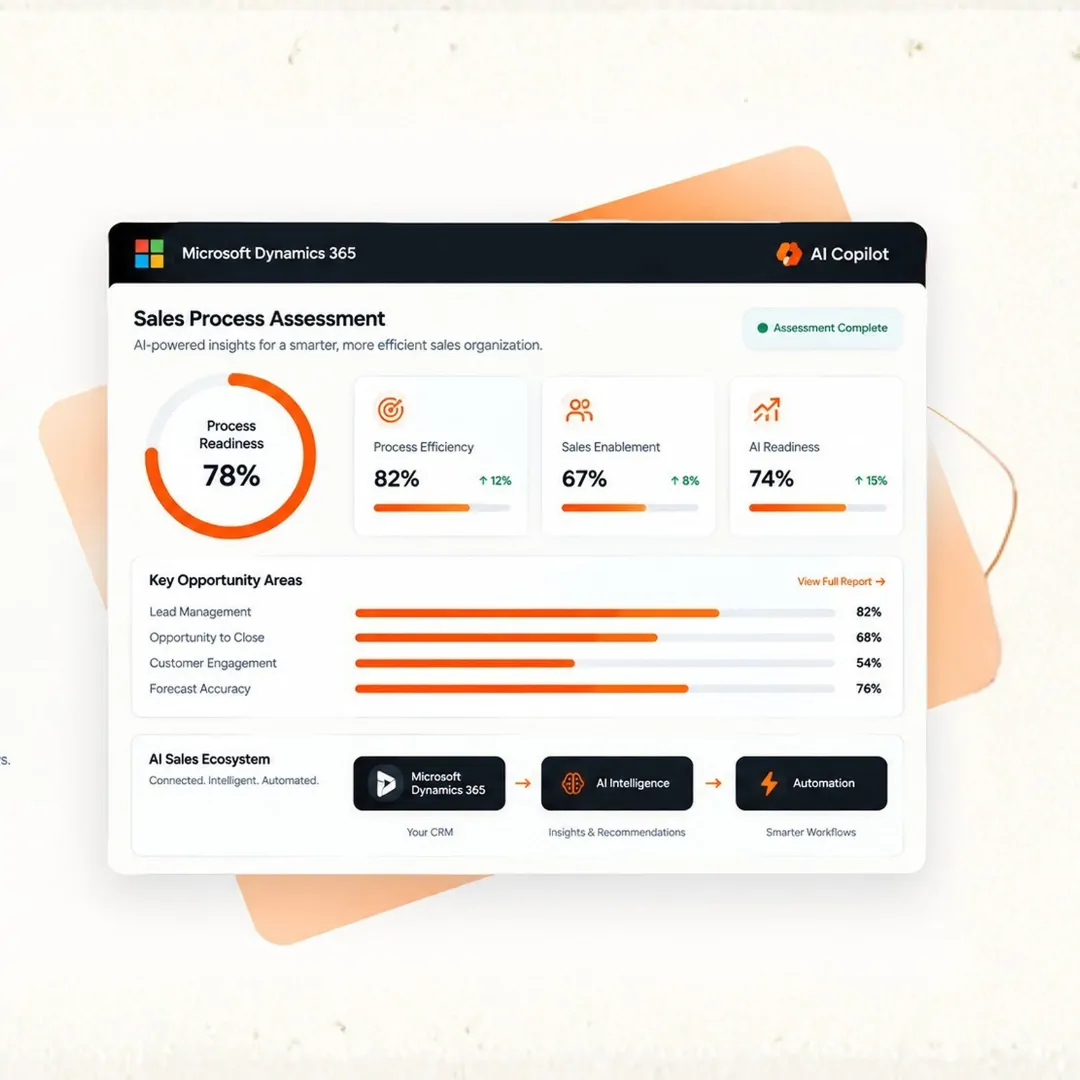
Before introducing AI agents, understand your existing ERP processes, data environment and operational priorities. A structured assessment helps identify suitable use cases and the controls required to implement them responsibly.
What We Can Evaluate
Business and Process Review: Identify repetitive tasks, workflow gaps and opportunities for improvement.
System and Data Readiness: Review Business Central configuration, data quality and integration requirements.
AI Use-Case Prioritisation: Evaluate potential initiatives based on business value, feasibility and operational risk.
Governance and Control Requirements: Define permissions, approval gates, exception handling and monitoring needs.
Implementation Roadmap: Outline practical next steps, dependencies and success measures.
Frequently Asked Questions
Copilot in Business Central is Microsoft's AI assistant integrated into the online ERP application. It provides supported AI experiences that help users find information, analyse data, generate suggestions and summarise business records. The available features depend on the product version, configuration and applicable requirements.
Depending on the enabled capabilities, Copilot can assist with natural-language interactions, list analysis, record summaries, item marketing text, sales order preparation and certain finance-related tasks. The exact functionality varies by feature, version and environment.
Certain agent capabilities support finance and purchasing workflows. For example, Microsoft's Payables Agent is designed to assist with accounts payable activities, including invoice interpretation, matching and preparing invoices for approval. Availability and functionality depend on the specific agent, release status and configuration.
Copilot generally helps users complete tasks by providing information, summaries and suggestions in response to their requests. An AI agent can be configured to handle a defined workflow with greater independence, using authorised data and tools and involving people at appropriate decision points.
Copilot operates within the applicable Business Central security and permission model. The information available to a user or feature depends on the user's permissions, the configured data sources and the capability being used. Access controls should be reviewed as part of implementation.
Microsoft documents Copilot and agent capabilities for Business Central online. Availability for on-premises environments differs, and the same built-in experiences should not be assumed to be available there. Businesses using on-premises deployments should assess their upgrade, integration and alternative AI options.
Microsoft states that Copilot is included with the Business Central licence at no additional cost for the supported built-in experiences. However, separate agents, additional Microsoft services, capacity arrangements or custom solutions may have distinct licensing and usage requirements. Confirm the applicable terms before implementation.
Yes. Depending on the capability, administrators can manage feature activation and user permissions, while solution designers can define workflow conditions, authorised tools, review steps and escalation procedures. Appropriate testing and monitoring are important, especially for financial and customer-facing processes.
Start with a specific operational challenge, such as repetitive invoice processing, time-consuming data analysis or inconsistent transaction follow-ups. Assess your existing Business Central environment, confirm suitable AI capabilities, define success measures and test a focused use case before expanding.