AI Copilot & Agents for Sales
Bring customer insights, sales workflows and intelligent automation together with Microsoft Dynamics 365 and AI. Help your sales teams prepare for conversations, identify opportunities, manage follow-ups and make informed decisions—with the right controls and human oversight in place.
The Business Challenge
When Sales Processes Are Disconnected, Opportunities Get Missed
Sales teams often work across CRM records, emails, meetings, spreadsheets and follow-up tasks. Without a connected process, important information can be overlooked and valuable time can be spent on repetitive administration. Common challenges include:
- AI experiments that operate separately from core business systems.
- Sales automation initiatives without clear objectives or process ownership.
- Inconsistent customer information across applications and teams.
- Insufficient controls around data access, testing and automated actions.
- Limited visibility into whether AI is improving sales productivity or process performance.
Our Solution
AI-Powered Sales Assistance Across the Customer Journey
Connect conversations, customer records and next actions with AI capabilities designed around your sales process and Microsoft technology environment.
Lead and Opportunity Summaries
Help sales representatives understand customer history, opportunity status, recent developments and outstanding activities without manually reviewing multiple records.
Meeting Preparation
Bring together relevant account details, contact information, opportunity updates and available interaction history to help salespeople prepare for customer meetings.
Email and Follow-Up Assistance
Generate contextual email drafts, meeting follow-ups and next-step suggestions using relevant customer information and the current stage of the sales process.
Pipeline Prioritisation
Highlight opportunities that may need attention based on defined business criteria, activity history, missing information and changes in deal progress.
Customer Relationship Intelligence
Make relevant customer interactions, record updates and available relationship context easier to review before the next conversation.
Sales Process Automation
Support defined sales workflows through configured AI agents and automation. Depending on the implementation, these workflows may help research leads, prepare qualification summaries, create follow-up tasks and progress routine activities.
AI Agents for Sales
Move Beyond Assistance to Controlled, Task-Oriented Automation
AI agents can support defined business processes by using approved information, following configured instructions and interacting with authorised tools. Their level of autonomy should match the task, business risk and governance requirements.

Seller Briefing Agent
Prepare concise account and opportunity briefings that bring together relevant business context before meetings and follow-ups.

Pipeline Risk Agent
Identify opportunities that may be stalled, lack recent activity or require additional information according to your defined criteria.

Sales Knowledge Assistant
Help sales teams find approved product information, sales procedures, proposal guidance and other relevant business knowledge.

Sales Follow-Up Agent
Prepare follow-up messages, recommend next steps and create tasks following meetings or opportunity updates, where supported by the selected configuration.
Lead Qualification Agent
Assist with lead research, compare available information against defined qualification criteria and prepare summaries for seller review.

Opportunity Insights Agent
Bring together authorised opportunity information to highlight deal developments, possible risks, stakeholder context and recommended actions.
Start with a Clear Business Assessment
Discover Where AI Can Make a Practical Difference
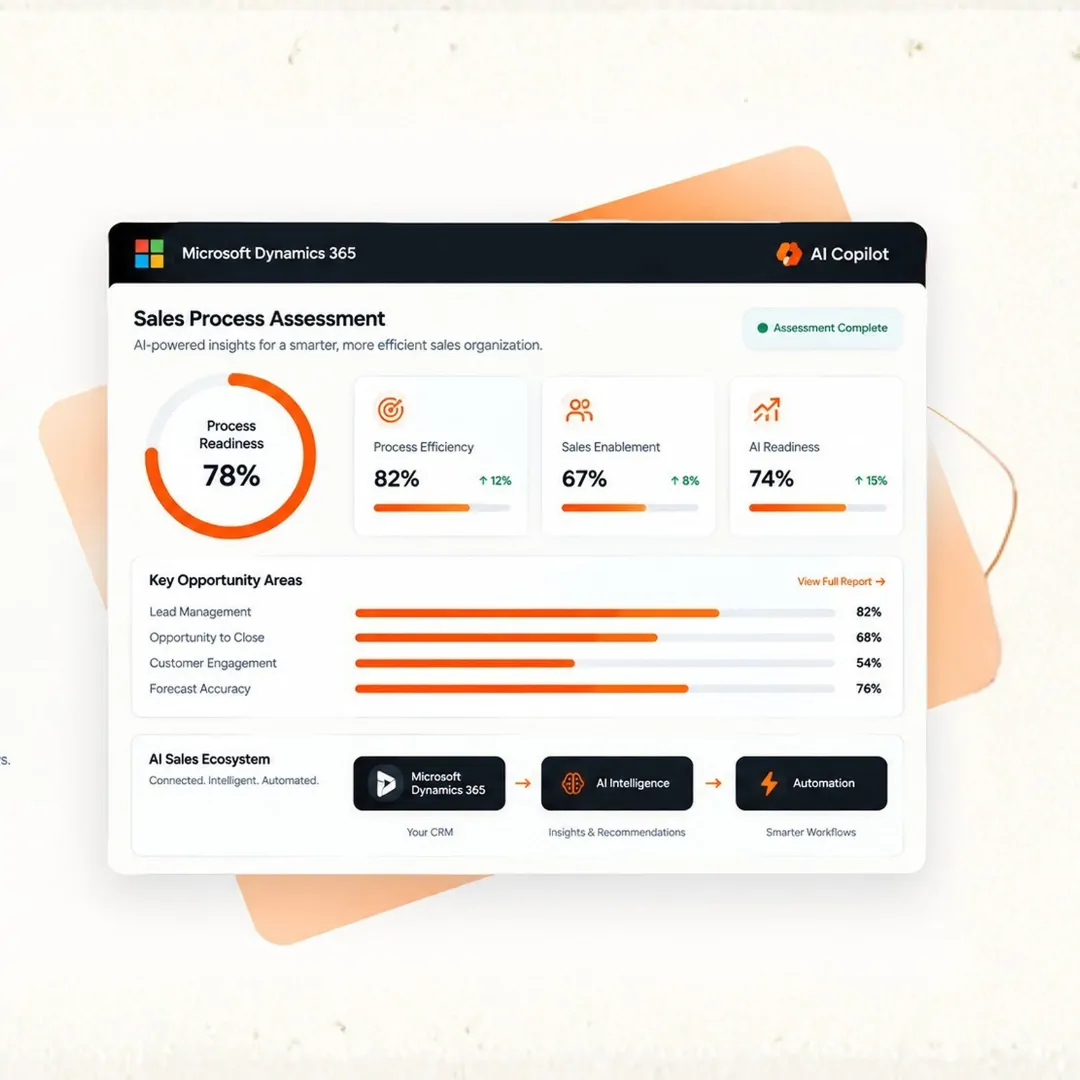
Before introducing AI agents, understand your sales processes, existing Microsoft environment and operational priorities. A structured assessment helps identify suitable use cases and the controls required to implement them responsibly.
What We Can Evaluate
Business and Process Review: Identify repetitive tasks, workflow gaps and opportunities for improvement.
System and Data Readiness: Review Dynamics 365 configuration, data quality and integration requirements.
AI Use-Case Prioritisation: Compare potential initiatives against business value, feasibility and operational risk.
Governance and Control Requirements: Define permissions, approval gates, exception handling and monitoring needs.
Implementation Roadmap: Outline practical next steps, dependencies and success measures.
Frequently Asked Questions
Microsoft Copilot in Dynamics 365 Sales provides AI-assisted capabilities that can help sales teams summarise records, review customer information and prepare for sales activities. Available functionality depends on the product version, licensing, configuration and permissions
A Copilot typically assists users with questions, summaries, content generation and recommendations. An AI agent can be configured to carry out a defined sequence of tasks using authorised data and tools, subject to its permissions and operating rules. The distinction depends on the specific Microsoft product and implementation.
Depending on the selected capabilities, AI agents may support lead research, qualification, opportunity analysis, sales briefings, follow-up preparation and routine workflow activities. Some configurations may support actions beyond drafting or recommending, but those actions require appropriate permissions, testing and controls.
Supported solutions can use authorised Dynamics 365 Sales data and other configured information sources. Access should follow the applicable security model, user permissions and data-governance requirements.
Some Microsoft agent configurations support customer-facing communication or automated follow-up. Whether these actions are available depends on the specific agent, release status and configuration. Before enabling them, establish approved messaging, appropriate consent and communication practices, monitoring and escalation procedures.
Governance can include role-based permissions, restricted tool access, approved knowledge sources, testing, activity monitoring, exception handling and human approval for higher-impact actions. The appropriate controls depend on the business process and risk involved.
Licensing and capacity requirements vary across Microsoft products and AI capabilities. Requirements may depend on the user's subscriptions, tenant configuration, usage and the specific agents or services selected. Confirm the applicable requirements before implementation.
Start by identifying a specific business problem, such as lengthy meeting preparation or inconsistent follow-up. Assess the available data, evaluate suitable Microsoft capabilities, define success measures and test a focused use case before expanding to additional workflows.